App · iPhone & Mac
Campin' Targets
Plan astrophotography around the horizon you can actually see — not a flat one.
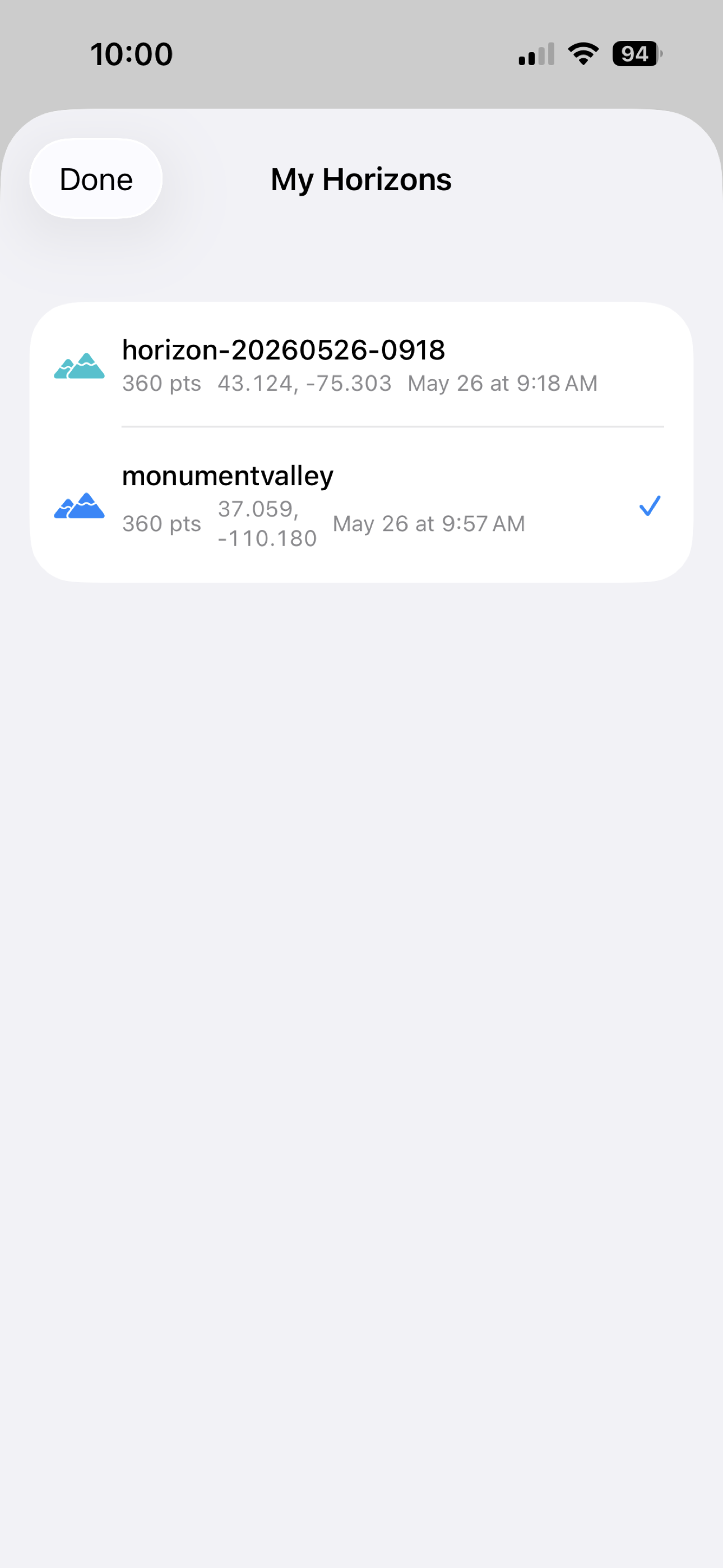
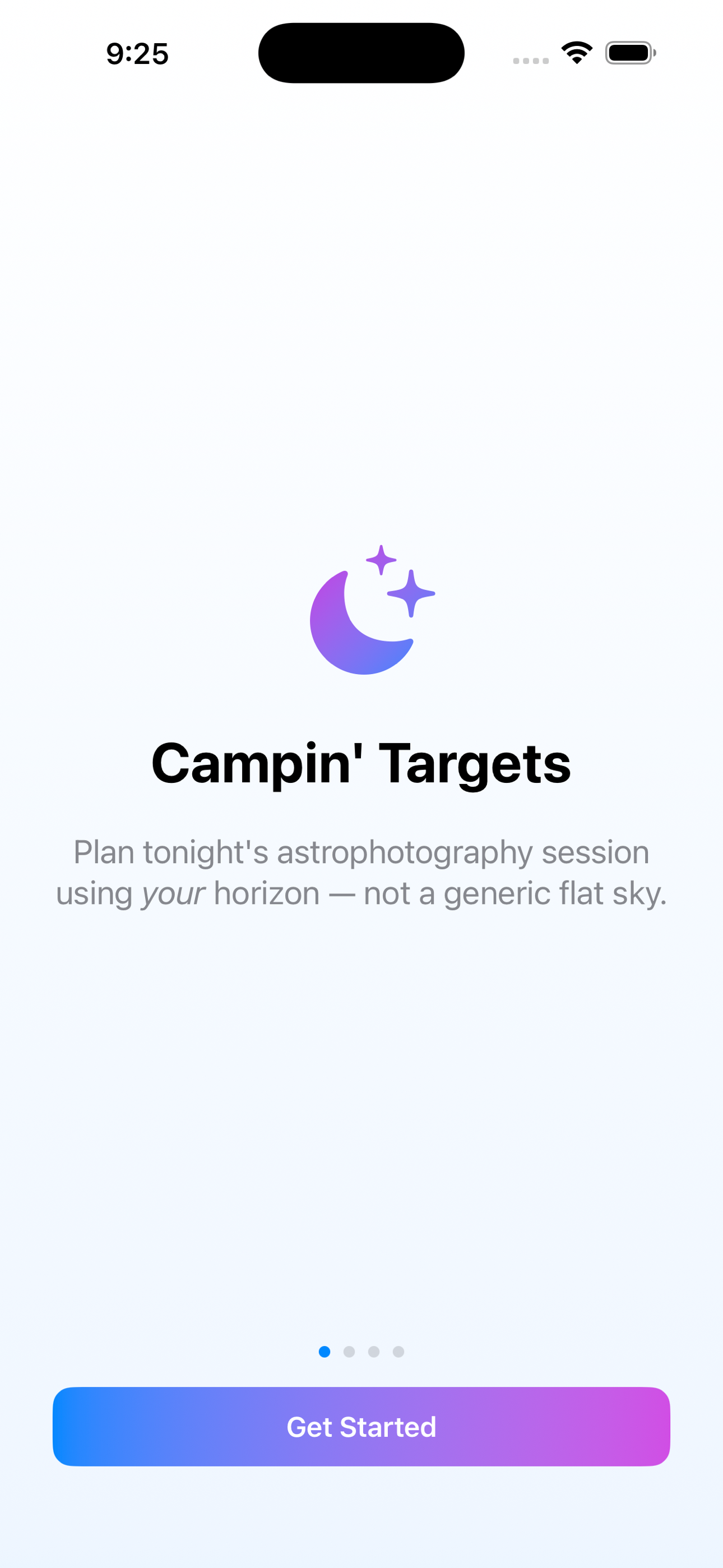
On iPhone
Click any shot for full size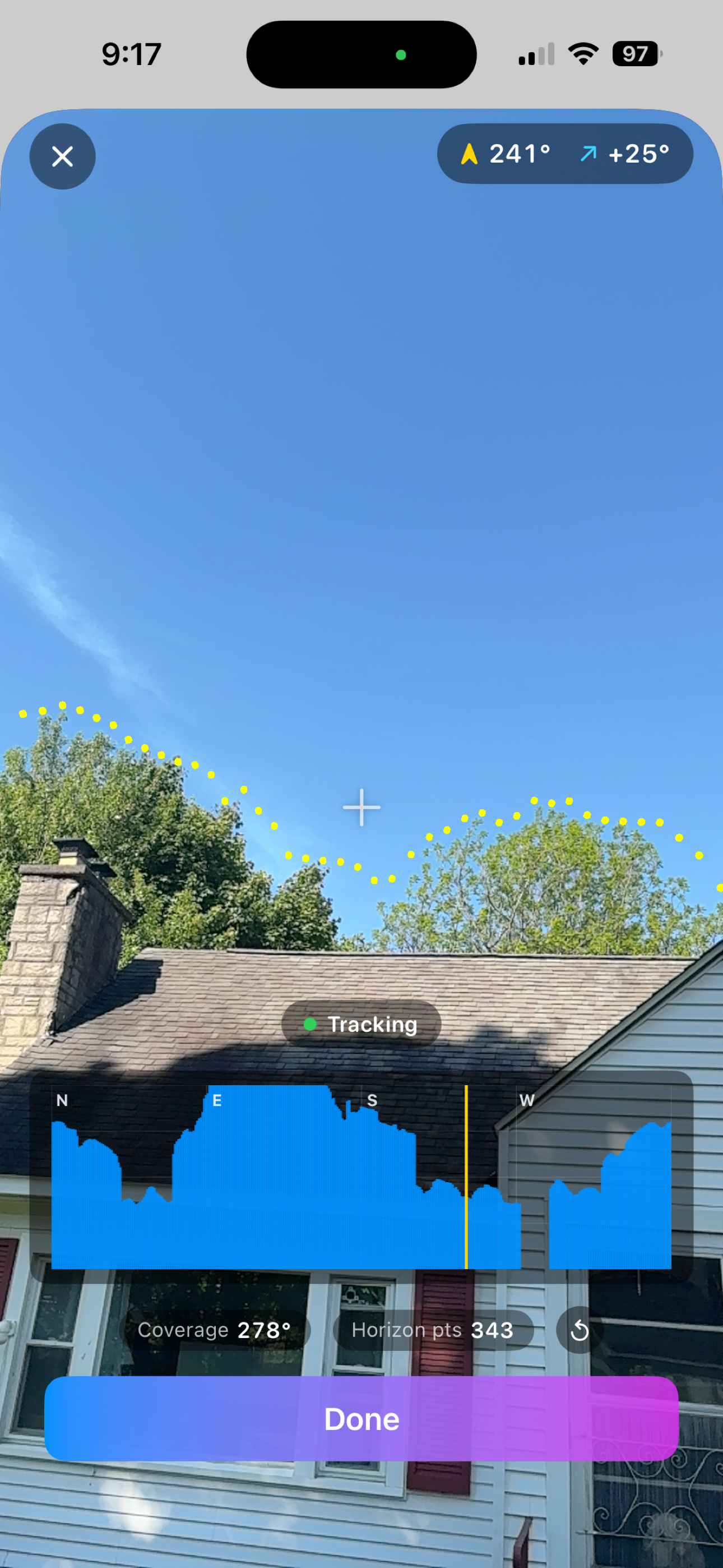
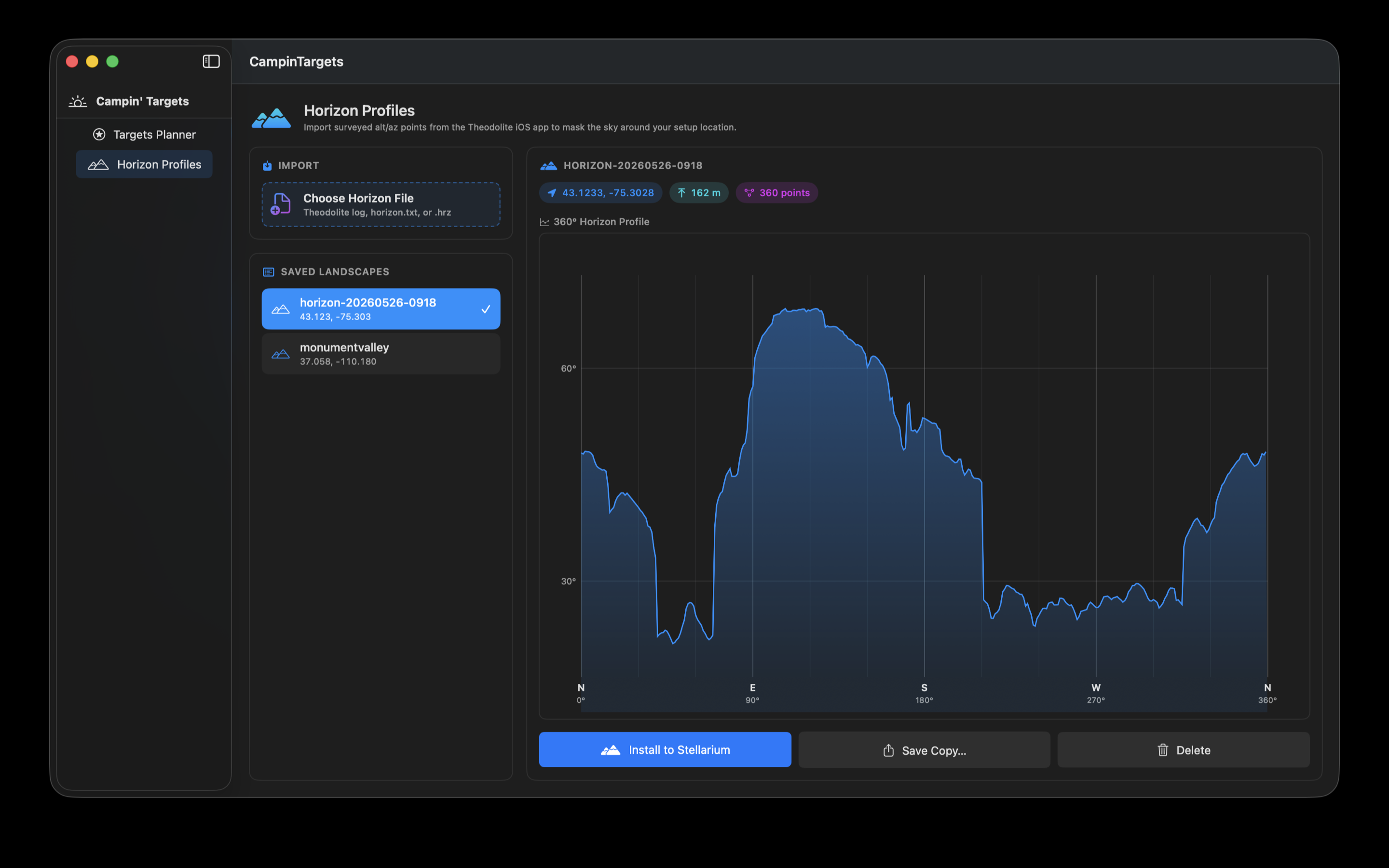
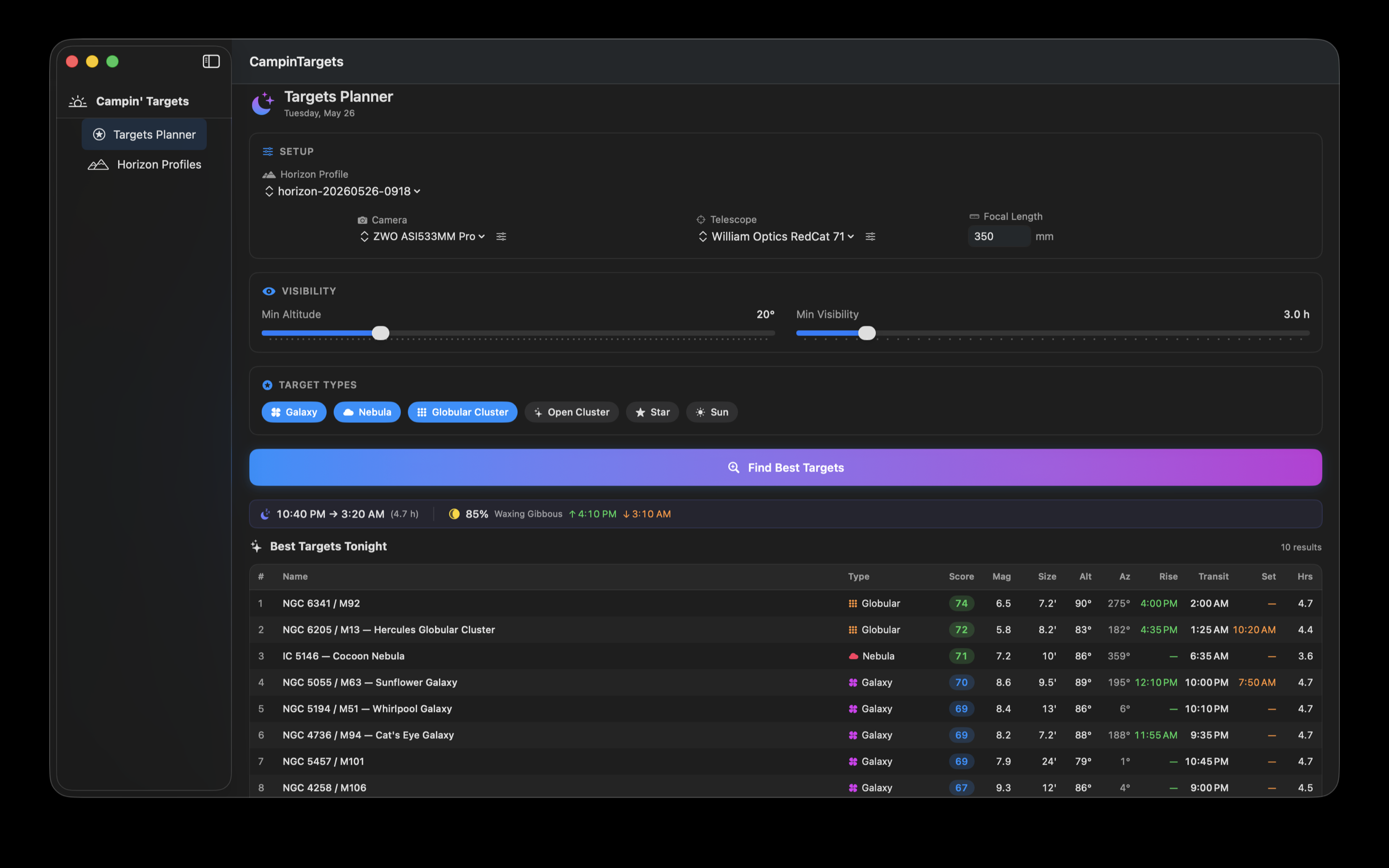
On Mac
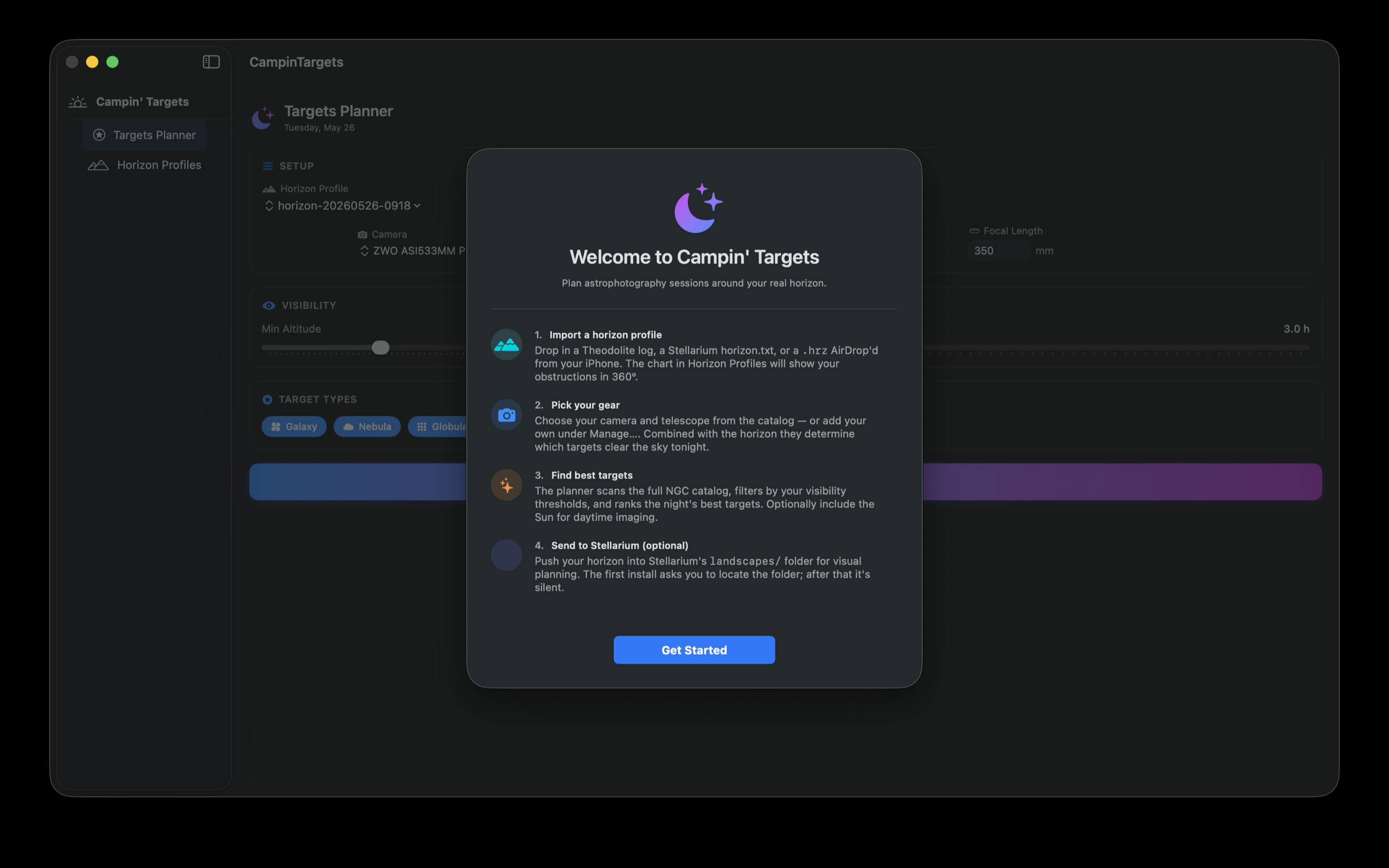
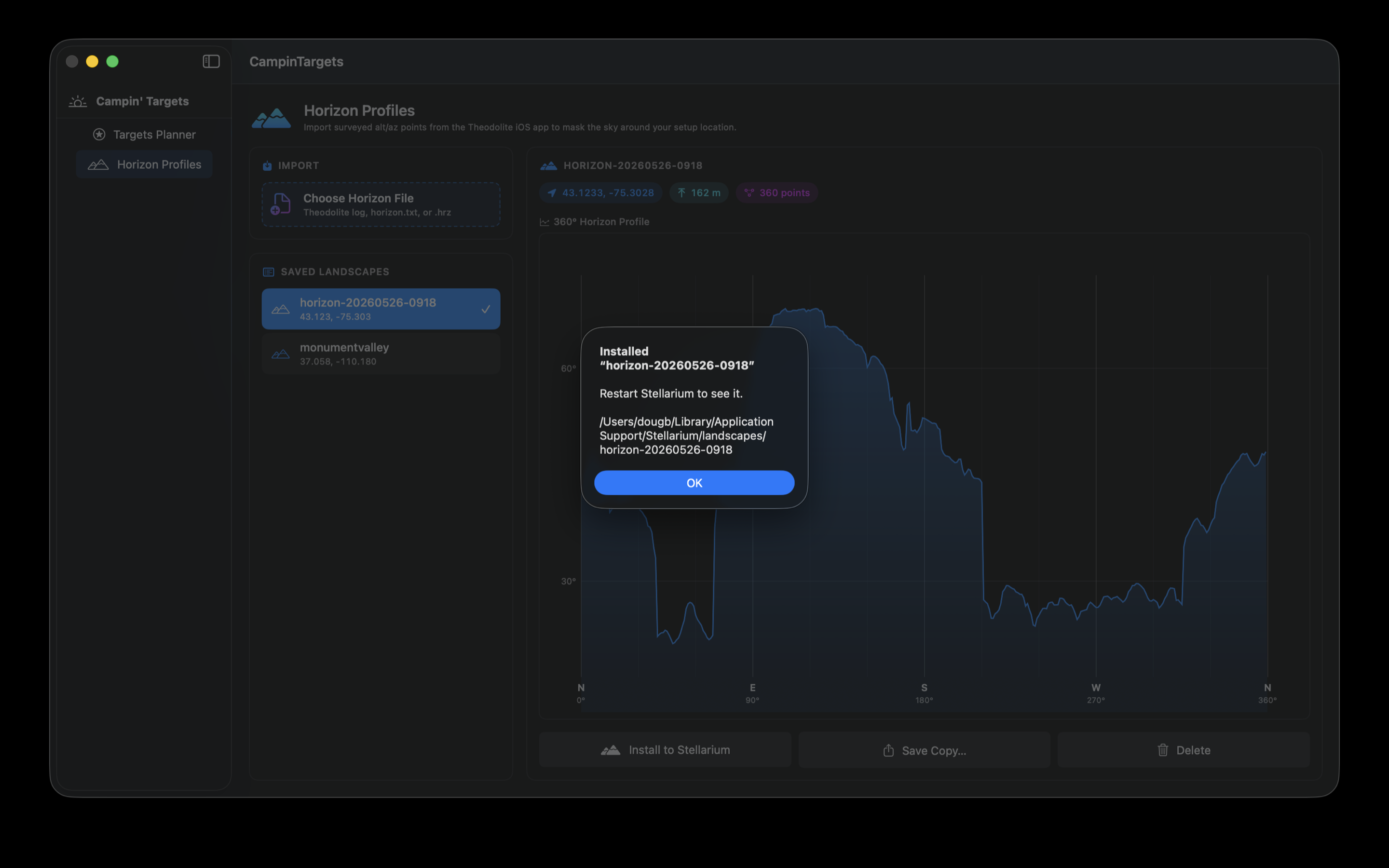
What it does
Stargazing locations are rarely on a flat horizon. Trees, rooflines, hills, neighboring buildings — they all hide targets and shorten windows. Most planners ignore that and assume a 0° clear horizon, then promise you objects that won't actually rise above the treeline.
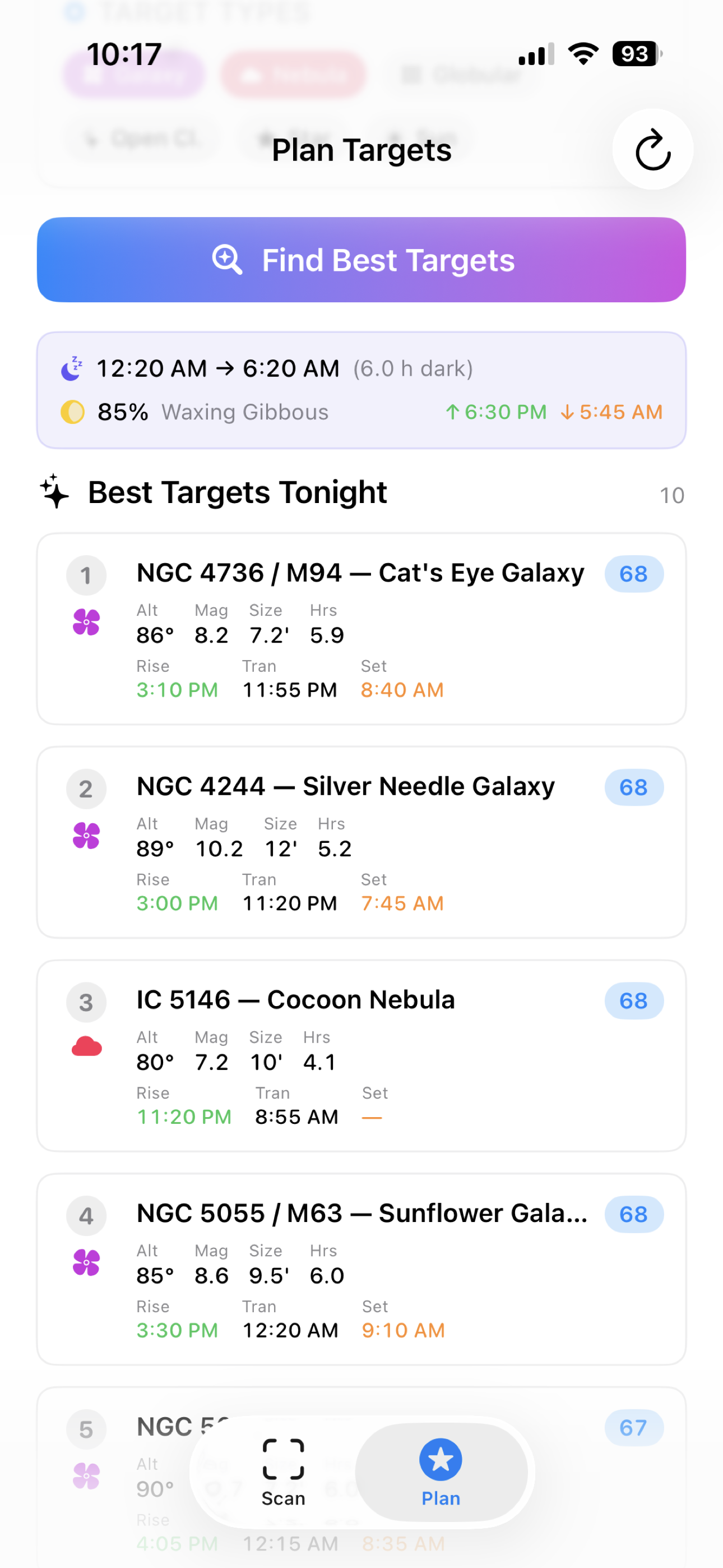
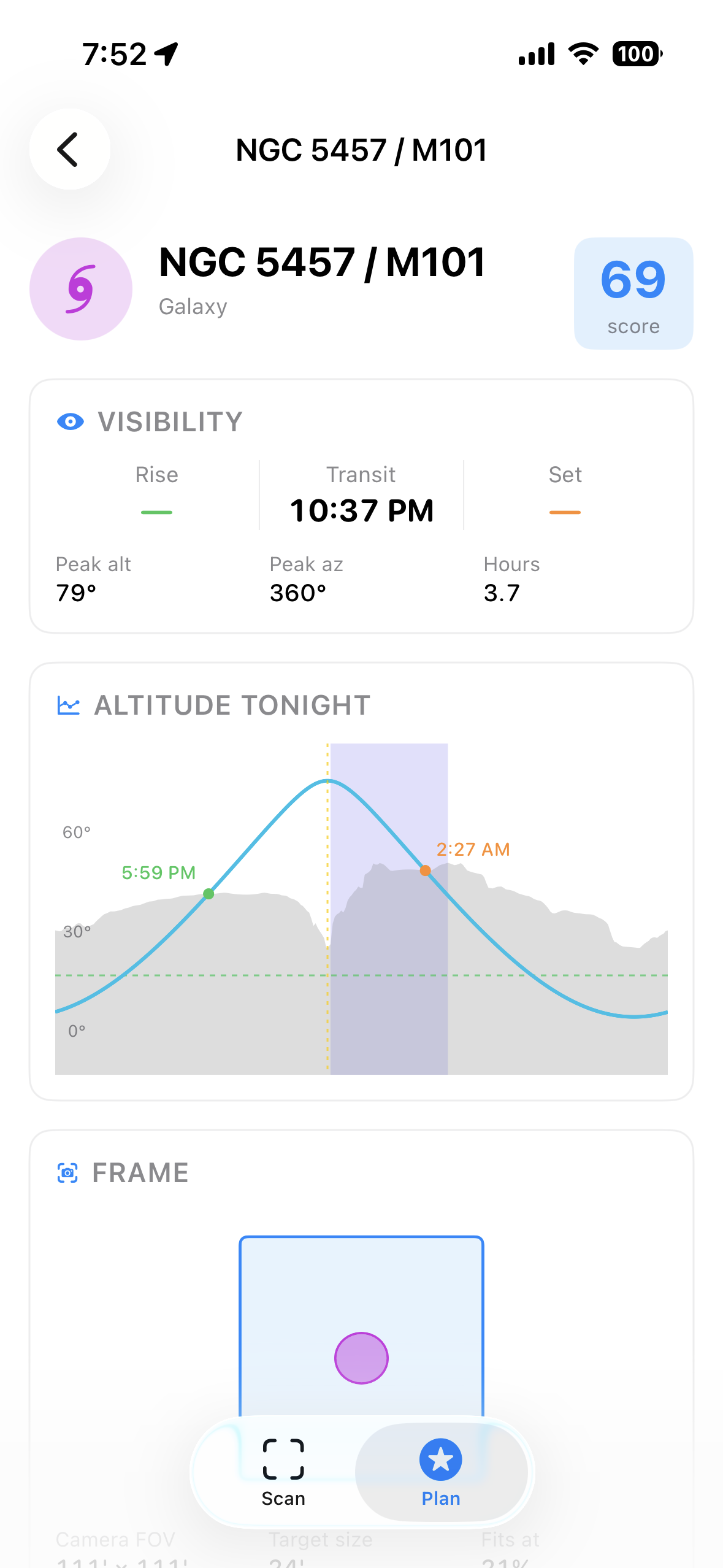
Campin' Targets scans your real horizon on-site with the camera, figures out what's sky and what's obstruction, and uses that profile to score and rank tonight's targets. The result is a list of objects that actually clear what's in front of you, with rise / transit / set times that account for it.
Features
360° horizon scanning
Pan the camera across the sky. ARKit tracks your bearing while a Core ML semantic segmenter masks sky from obstructions in real time, building an altitude profile by azimuth.
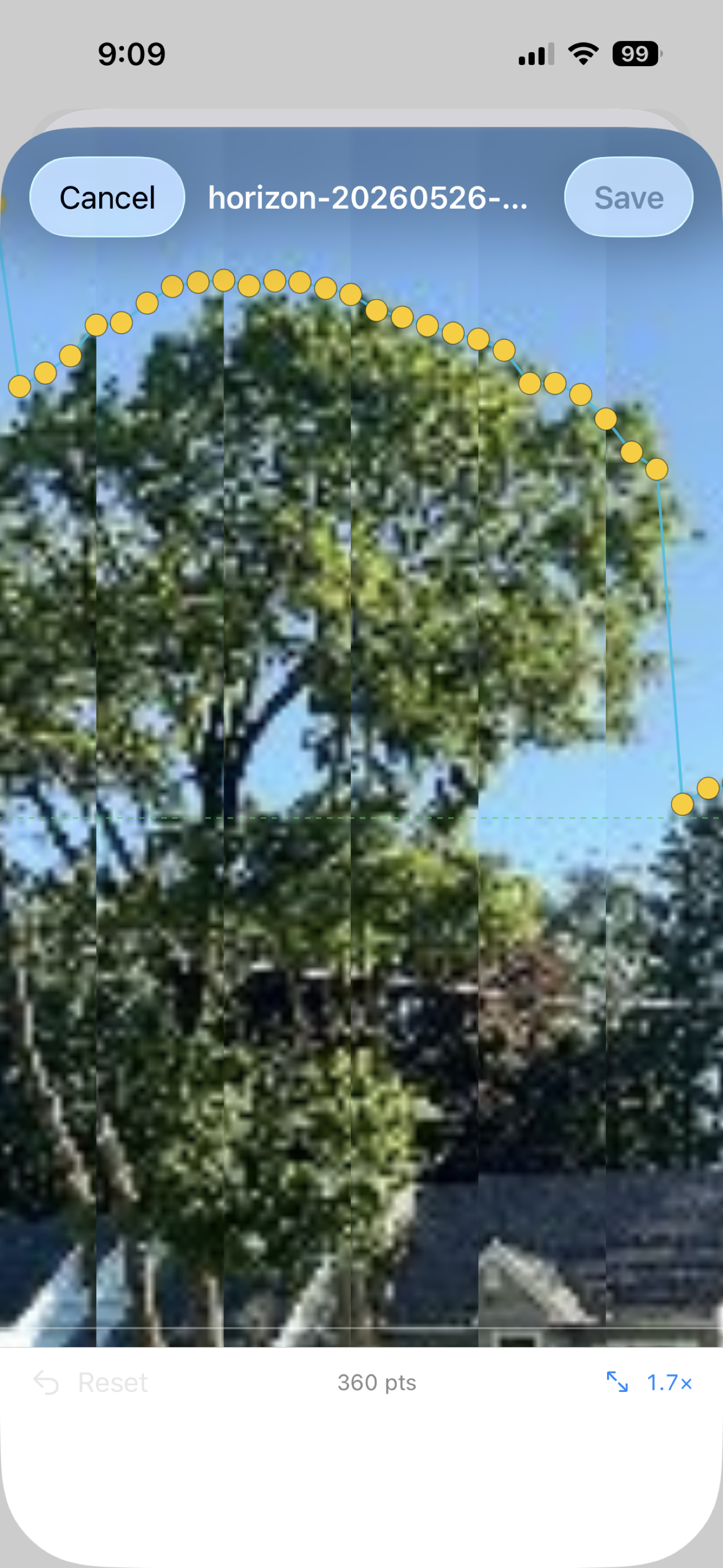
Edit against the captured imagery
Every scan saves a filmstrip of thumbnails. Open the editor indoors and the elevation dots are overlaid directly on the photos — drag them to match the actual treeline. Pinch to zoom, long-press to delete.
Plan with your real horizon
The planner scans the full NGC catalog, filters by astronomical darkness, your camera's field of view, and the horizon you captured. Targets that don't clear your trees are dropped automatically.
Camera + telescope catalog
Built-in profiles for popular gear, or add your own. Focal length and sensor size feed directly into FOV scoring and the on-screen frame preview.
Sync via iCloud
Horizons, cameras, and telescopes follow you between iPhone and Mac through your own iCloud account. No login, no third-party servers.
Stellarium integration (Mac)
Push a captured horizon into Stellarium's landscapes folder for visual cross-checking. One-time folder permission, then silent installs.
Privacy in one line
Camera frames are processed entirely on your device. Location is used to align your horizon to true north and never leaves the device. iCloud sync uses your own iCloud account. No accounts, no analytics, no ads, no third-party SDKs. The full policy lays out every permission and where the data goes.